Less switching. Fewer steps. More done.
Thoughtful native Mac apps that make everyday work simpler.
Offline by design · No accounts · No subscriptions · macOS 14 or later
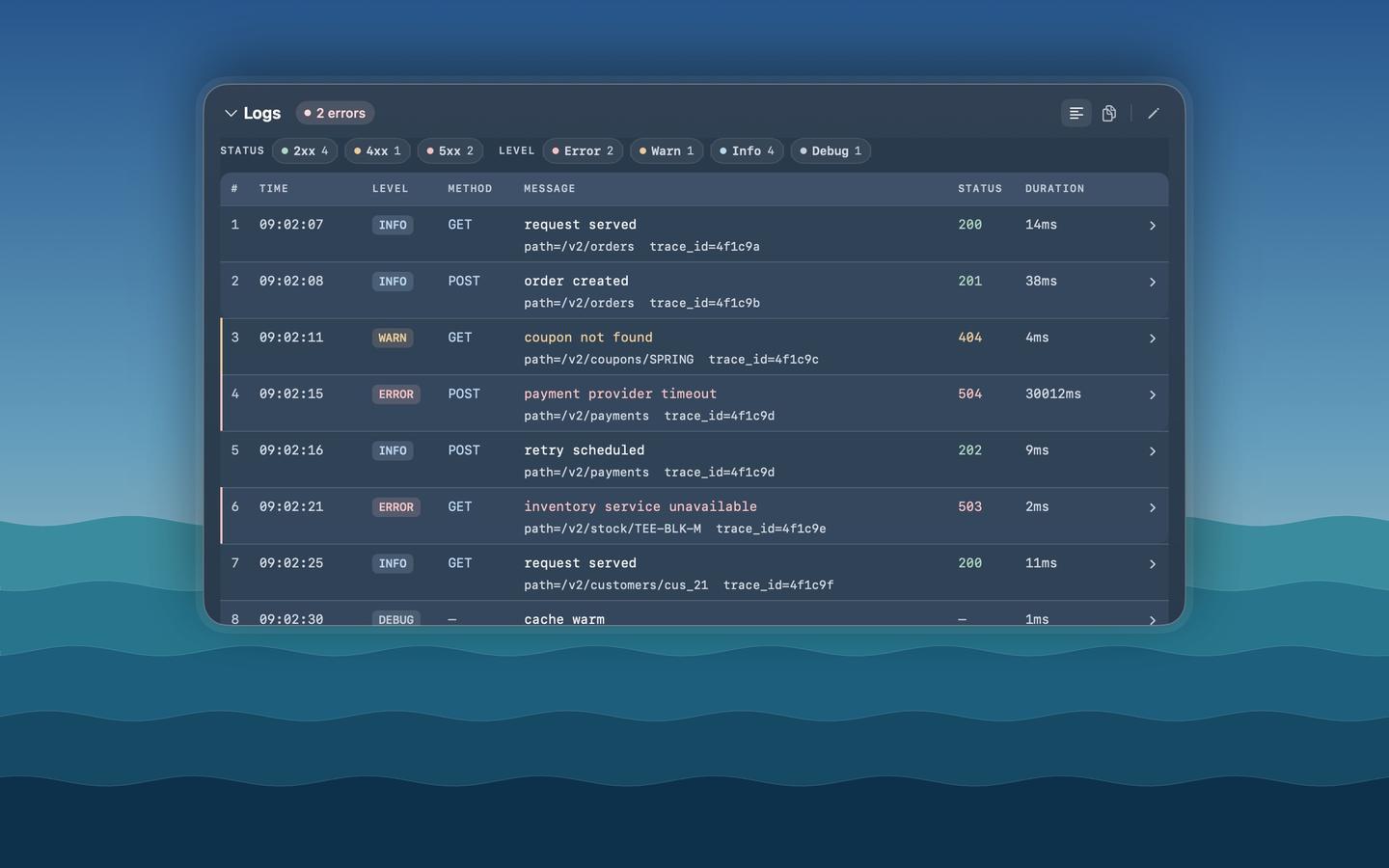
Copy a request, a log or a screenshot and press ⌥Space. Pekivo turns it into something you can read, filter and copy — logs, cURL, JSON, JWT, SQL and offline OCR, all on your Mac.
Every tool, one workspace. Paste JSON, JWTs, cURL, OpenAPI, logs or diffs and it opens the right tool — plus generators, regex, hashing, .env and more. 16 tools, all running locally.
Screenshots, in their place. Capture an idea, give it a name and save it straight to the right project folder — or let Quick Capture do it for you.
You just copied something — press ⌥Space over any app, see what’s inside, close it. Like Quick Look for your clipboard.
Open it when you need to generate, diff, hash, test a regex or clean up a .env — a toolbox window you keep open.
| Pekivo | Avyron | |
|---|---|---|
| You… | glance | work |
| Opens | over the app you’re in (⌥Space) | as its own window |
| Stays open | seconds | as long as you need |
| Best for | a log, cURL or JWT someone sent; screenshots (OCR) | UUIDs, hashes, diffs, regex, .env, cron |
| Only here | screenshot reading, logs → filterable table | generators, diff, hashing, regex tester |
Reading something? Pekivo. Making or changing something? Avyron. Many people use both — they don’t clash.
I'm a software engineer who builds small, focused apps — native, fast and private by default. Pekivo started as a tool I wanted for my own day-to-day work.