
Apps that do one job well.

Each runs on your computer, needs no account, and stays out of your way.

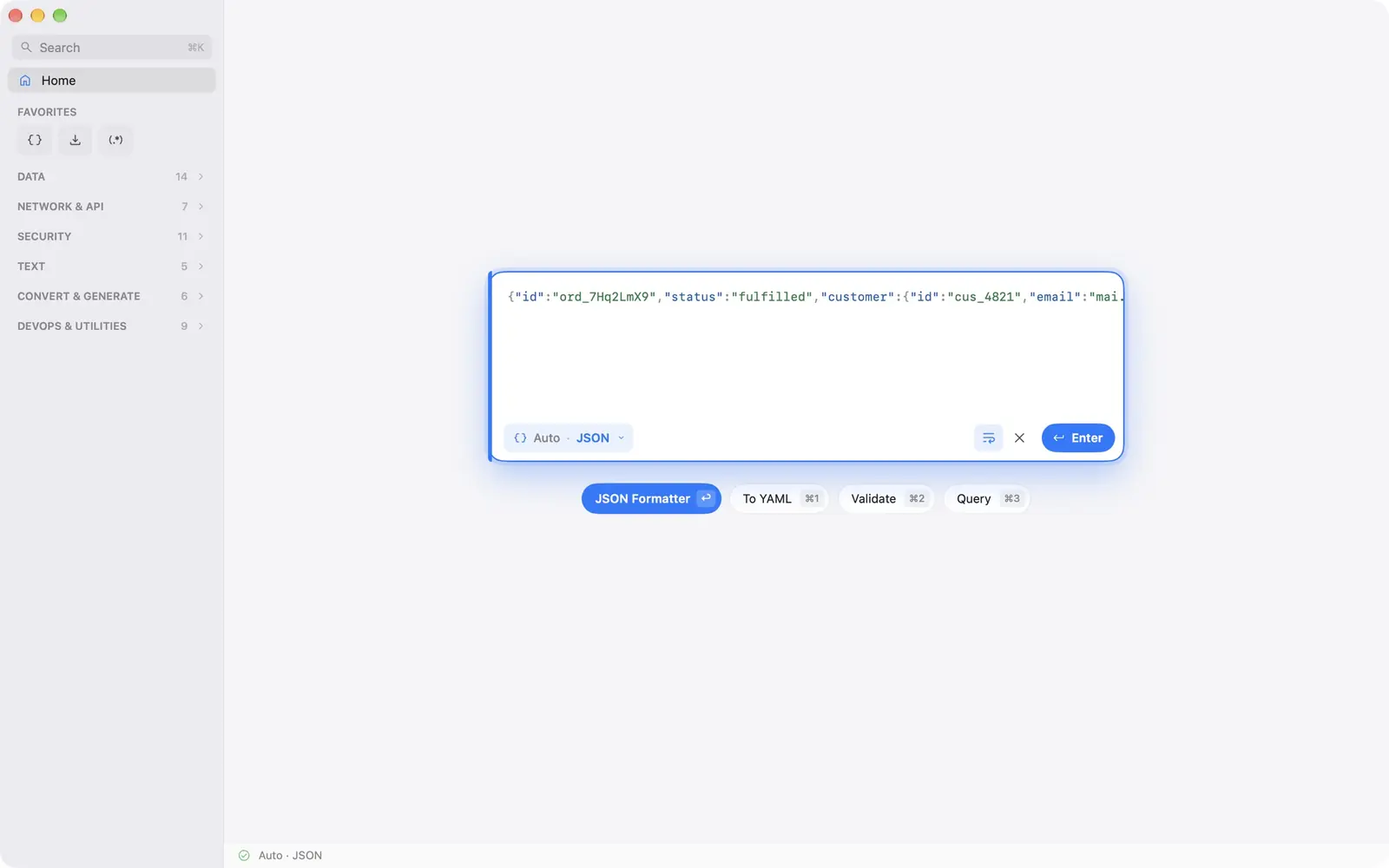
DevSuite Home: pasted JSON detected, with the tools it suggests

Developer tools

DevSuite

52 developer tools in one native app. Paste JSON, a log, a cURL command or a JWT, and DevSuite recognises it and opens the tool that fits. Everything runs on your computer.

  • Format, validate and convert JSON, YAML, XML, TOML, CSV and SQL
  • Decode and verify JWTs; inspect certificates, PEM and Base64
  • cURL and HTTP inspected, never sent; diff, regex, cron, hashes and more
  • Handles 100 MB files; works fully offline
WindowsAvailableMacComing soonLinuxFree · coming soon
From $9.99 once · free on LinuxGet it from Microsoft StoreLearn more →
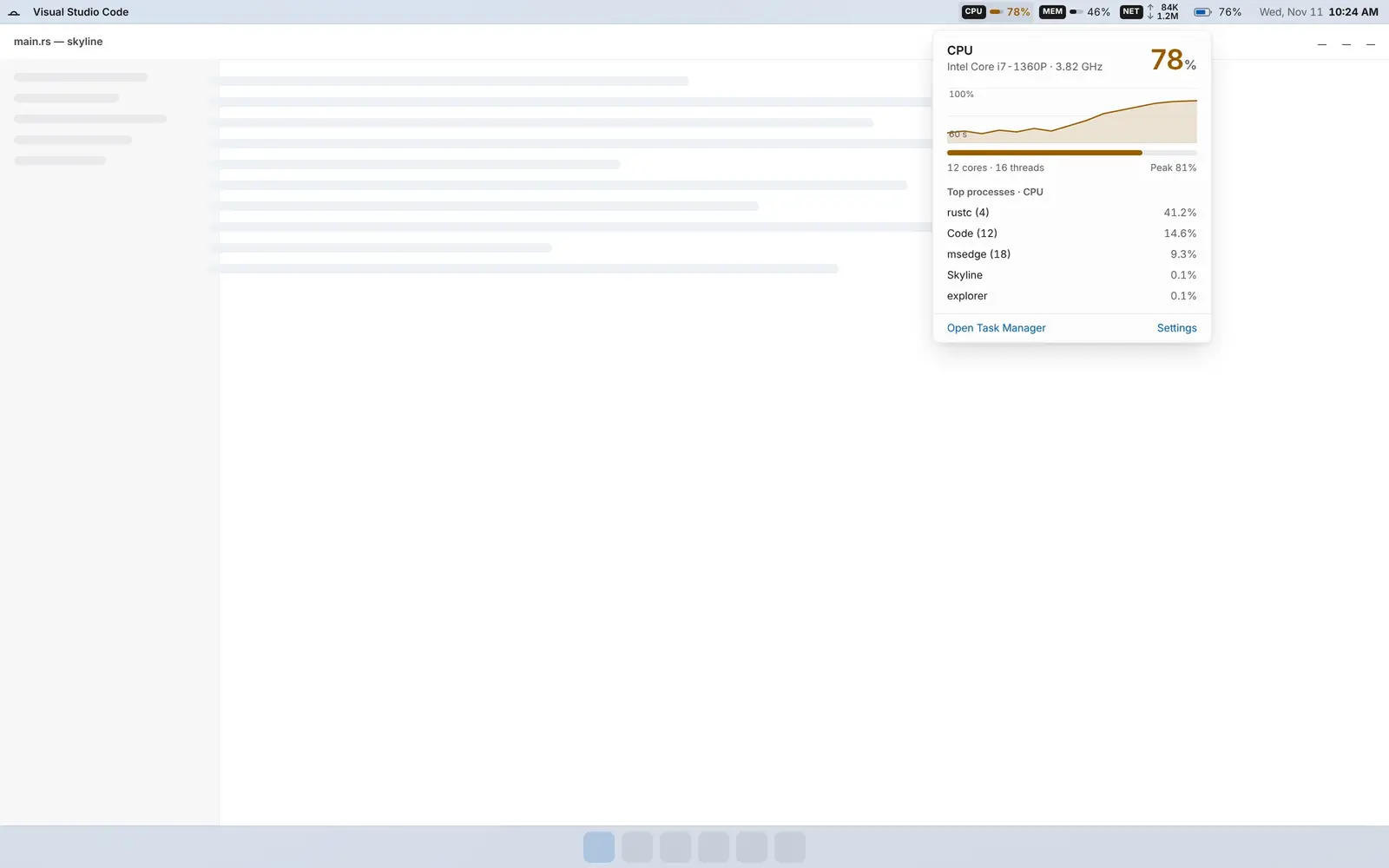
Skyline on Windows: the bar docked along the top of the screen

System monitor bar

Skyline

A slim bar along the top of the screen with CPU, memory, storage, network, battery, the clock and, if you want it, the weather. One click opens the last 60 seconds and the busiest apps.

  • CPU, memory, storage, network and battery; amber above 70 %, coral above 90 %
  • A panel per item with the last 60 seconds and the five busiest apps
  • Lighter than the apps it watches: about 34 MB and 0.06 % idle CPU
  • No telemetry and no account; weather is optional and off by default
WindowsComing soonLinuxComing soon
Free · no in-app purchases, no subscriptionGet notifiedLearn more →

AI limits in the menu bar

QuotaGlance

What's left of your Claude and ChatGPT limits, right in the menu bar: the 5-hour and weekly limits, when each one resets, and a heads-up before you run out.

  • 5-hour and weekly limits, with the time each one resets
  • A heads-up before you run out
  • 13 menu bar styles, and ⌃⌥U from any app
  • No sign-in or API keys: it reads the usage Claude and Codex already save on your Mac, never your chats
MacAvailable
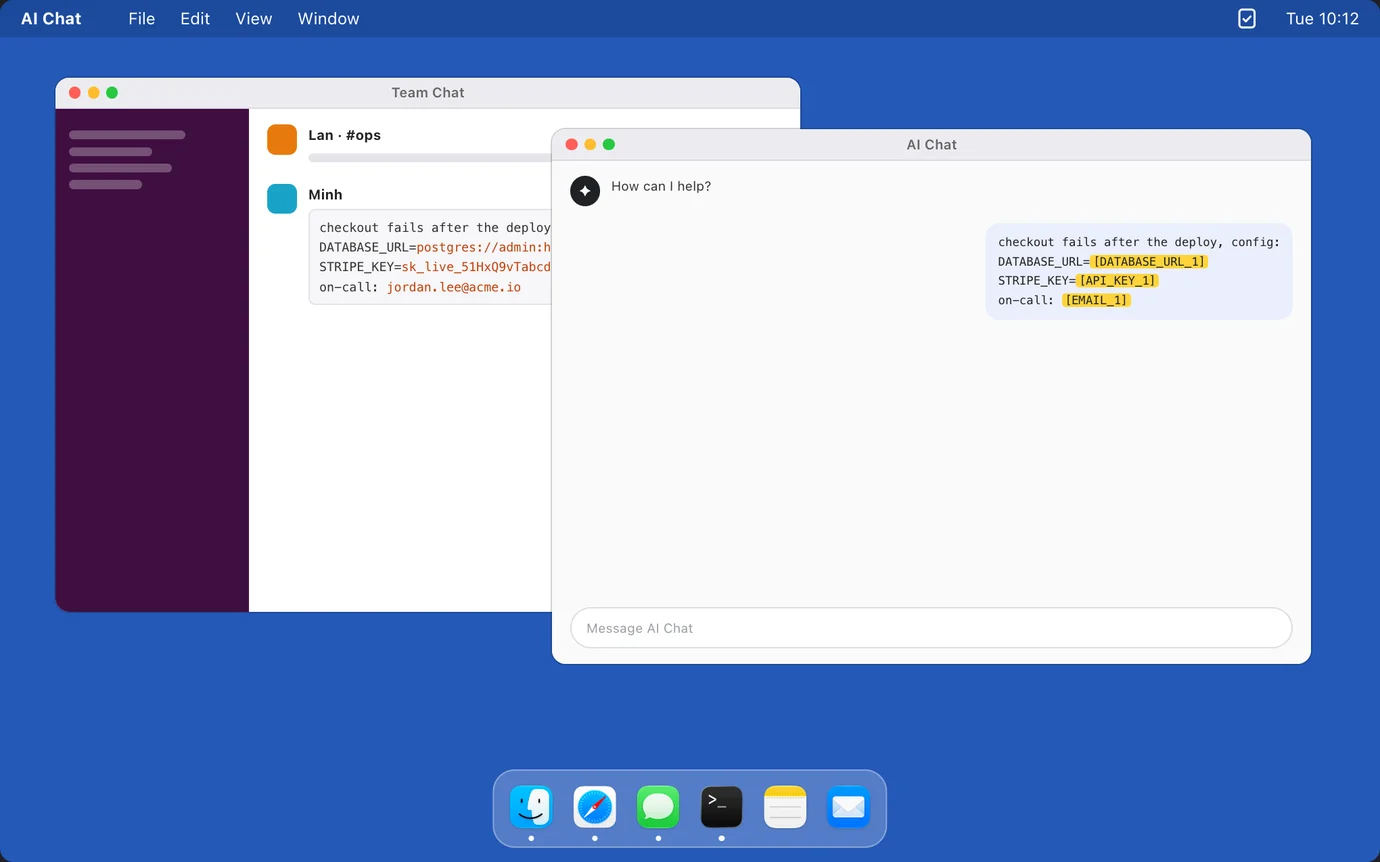
PasteGuard: secrets in a chat message masked as tokens when pasted into an AI chat

Safe paste for AI

PasteGuard

Copy as usual: emails, API keys and card numbers are masked on the clipboard the moment you copy, so every paste into ChatGPT, Claude, Slack or Mail is safe.

  • Emails, API keys, database URLs and card numbers become tokens like [EMAIL_1]
  • A normal ⌘V works everywhere, with no Accessibility or other permissions
  • Copy the AI's reply and press ⌃⌘R: the real values come back from an encrypted vault on your Mac
  • Show Original or pause protection from the menu when you need a real key
MacAvailable
Free · Pro coming soonDownload freeLearn more →
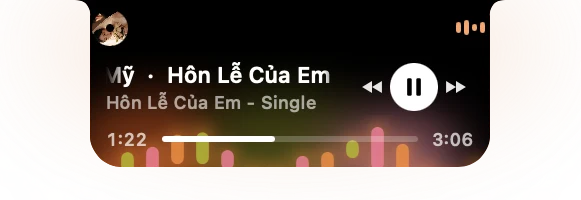
NotchX in the notch: what's playing, with controls and a visualizer

A live hub in the notch

NotchX

Turns the camera notch on your MacBook into a live hub: what's playing, messages, calls, meetings, weather, volume, brightness and AirPods.

  • What's playing, with controls and 35 visualizers in five looks
  • Messages, calls and meetings as they happen
  • Weather, volume, brightness and AirPods battery
  • Free for 14 days, then $9.99 once, no subscription
MacAvailable
14-day trial · $9.99 onceDownload free trialLearn more →