People paste big things into developer tools: a 40 MB API export, a day of JSON logs. A tool that freezes on that is worse than no tool. So before shipping DevSuite for Linux, we tested every heavy tool with files of 1 to 200 MB.
How we tested
- Realistic order data as JSON, YAML, XML, TOML and CSV, at 1, 10, 50 and 100 MB.
- Each case in its own process, measuring time and peak memory; and the Linux app opening each file.
- A modest machine on purpose: a 4-core 2.1 GHz cloud VM with no GPU.
What broke
- A 1 MB minified JSON froze the app for over two minutes.
- YAML with more than a million values was refused.
- Memory was 10 to 50 times the file size.
After the fixes
| 100 MB file | Time | Memory |
|---|---|---|
| JSON format | 1.80 s → 1.22 s | 1.05 GB → 857 MB |
| CSV table | 3.72 s → 1.68 s | 2.12 GB → 858 MB |
| JSONPath query | 7.24 s → 4.31 s | 2.98 GB → 2.08 GB |
| YAML format | refused → 7.64 s | 2.06 GB |
| Opening in the app | Before | After |
|---|---|---|
| 1 MB minified JSON | frozen | 2 s |
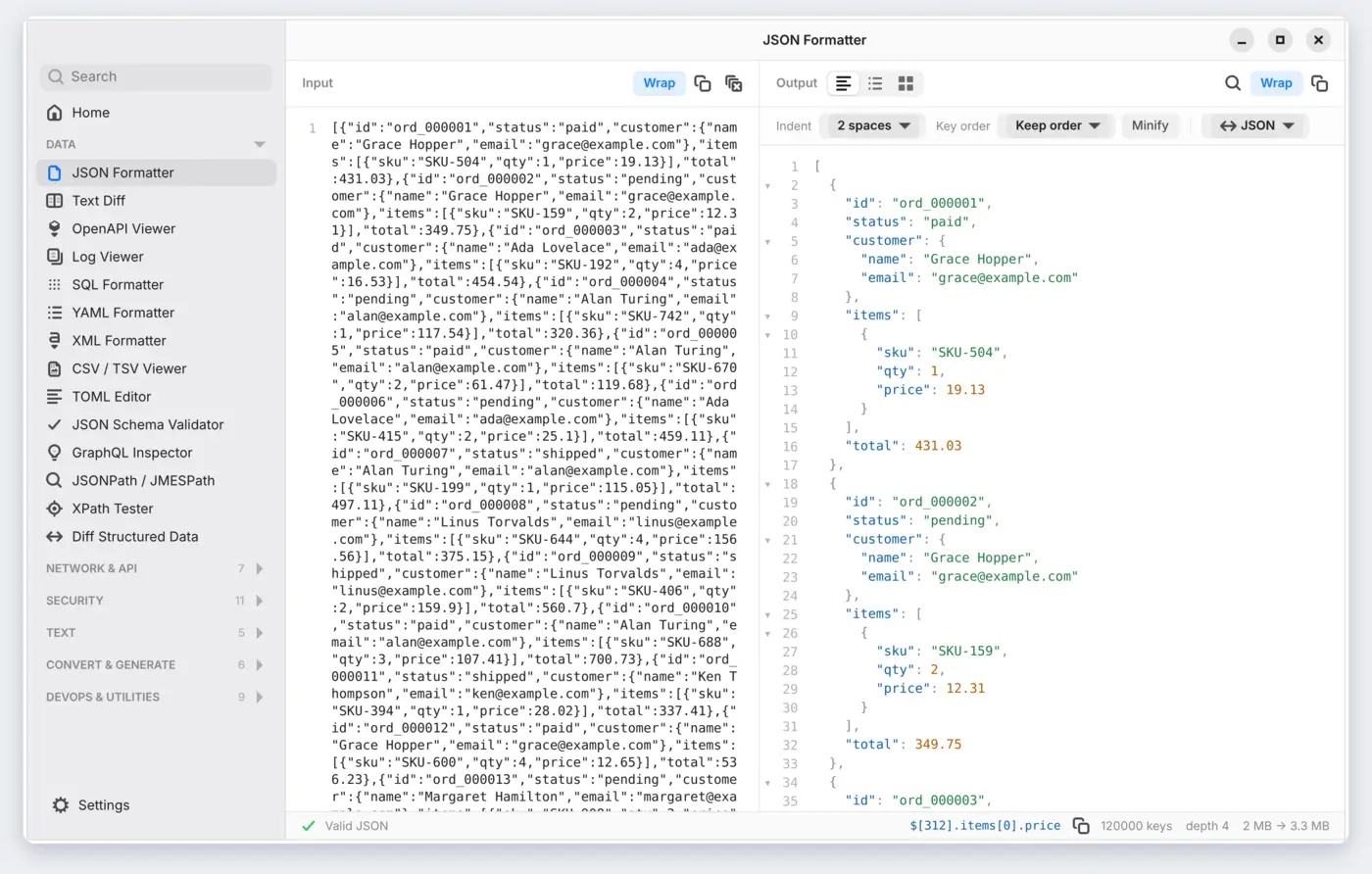
| 100 MB JSON | frozen | 4.5 s |
| 10 MB CSV | 32 s | 2 s |
What we changed
- Stop copying the document. JSON keys point into the input, CSV rows are moved instead of copied three times, JSONPath parses once.
- Colour text in one pass. Syntax colouring was quadratic on one long line.
- Ask less of the text view. Very long lines aren't coloured or wrapped, the output shows its first 5,000 lines (Copy still copies all), and huge inputs show a preview.
Still heavy
Tree formats still need several times their size while parsing (100 MB of JSON peaks near 860 MB), and TOML needs about 40×. Fine for real files; on the list for later.