Format some JSON, read a JWT, see what a cURL command sends, find the error in a log. Small jobs, many times a day, and each one used to mean a different website. Those websites saw everything I pasted.
DevSuite does all of them in one native app, on your computer.
Paste first, the tool follows
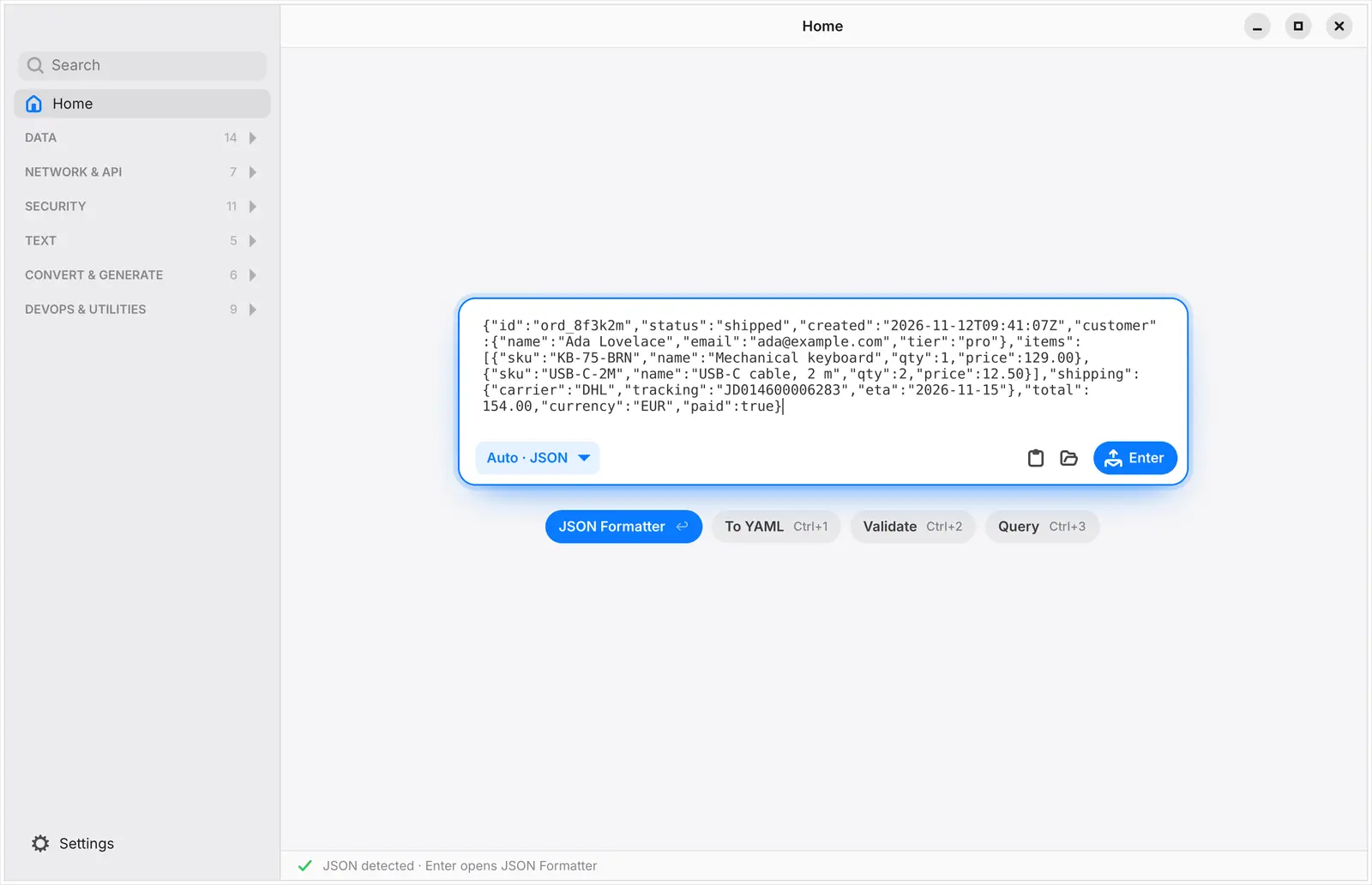
You don't pick a tool. You paste, DevSuite recognises what it is, and Enter opens the tool that fits.
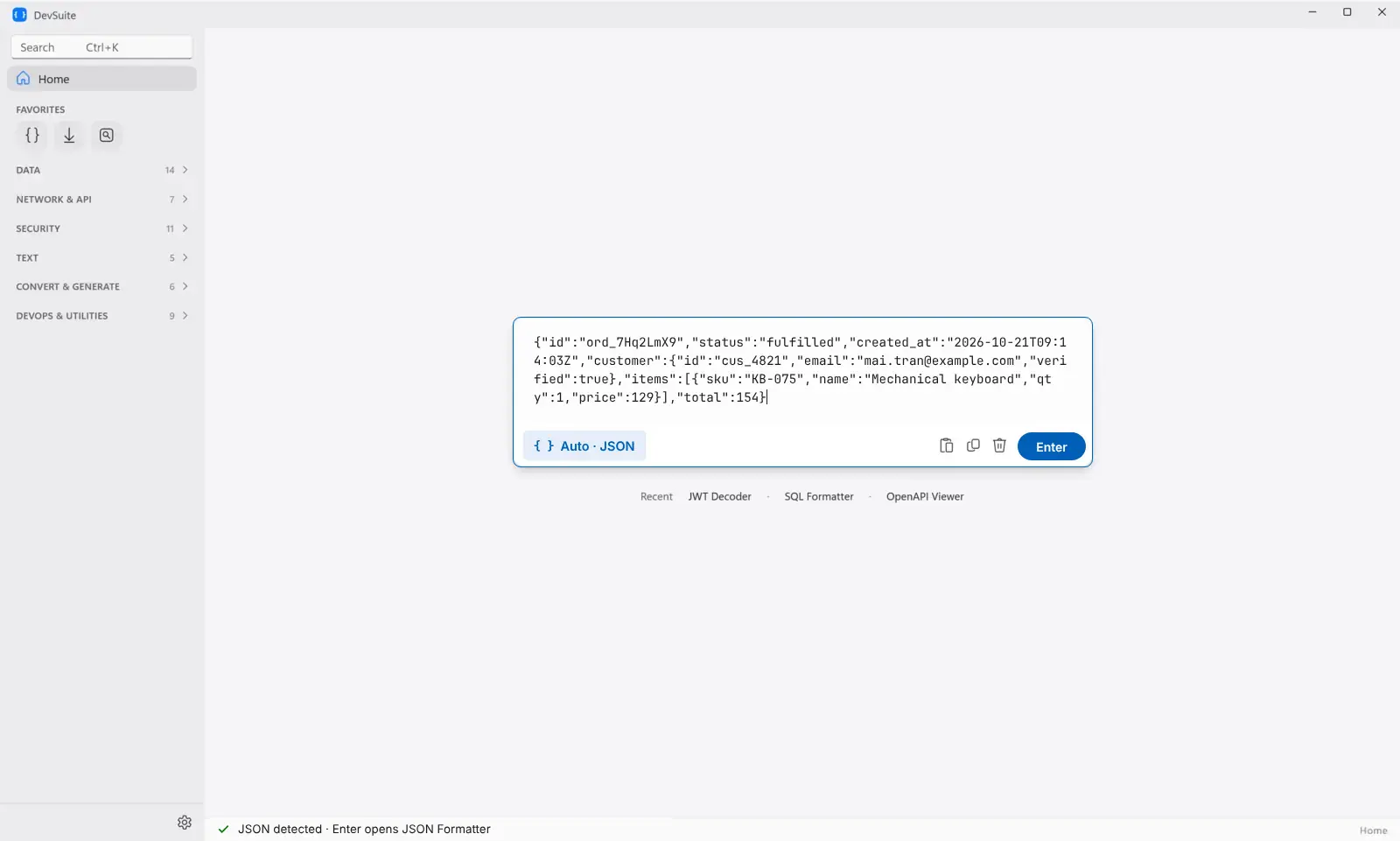
On the Mac and on Linux it also suggests what else you might want, one shortcut away: convert to YAML, validate, or query.
52 tools
JSON, YAML, XML, TOML, CSV and SQL; JWTs, certificates, hashes and Base64; cURL and HTTP; diff, regex, cron, timestamps, UUIDs, colours and more, in one window with one sidebar.
Private, and fast with big files
- Nothing you paste leaves your computer. No account, no tracking.
- cURL commands and webhooks are read, never sent.
- A 100 MB JSON file formats in about a second. How we got there.
Get it
- Windows: on Microsoft Store now, free for 7 days, then $9.99 once.
- Mac: coming soon to the Mac App Store.
- Linux: free, coming soon to Flathub and the Snap Store.